Here’s Another Way to Get People to Buy Tickets to Your Events
With Tix's new QR code feature, organisers can now generate and download QR codes directly from their dashboards, giving event-goers a simpler way to buy tickets.


“Can you send the event link, please?”
If you're an event organiser, you've probably replied to this message more times than you can count, especially when you're promoting an event across social media. Sharing a direct link works; however, getting that link in front of the right people doesn't always have to involve copying, pasting, and sending it all over again.
With Tix's new QR code feature, organisers can now generate and download QR codes directly from their dashboards, giving event-goers a simpler way to buy tickets.
How to Get Your Event QR Code on Tix
- Log in to your Tix organiser dashboard.
- After publishing your event, you'll see the QR Code button right underneath.
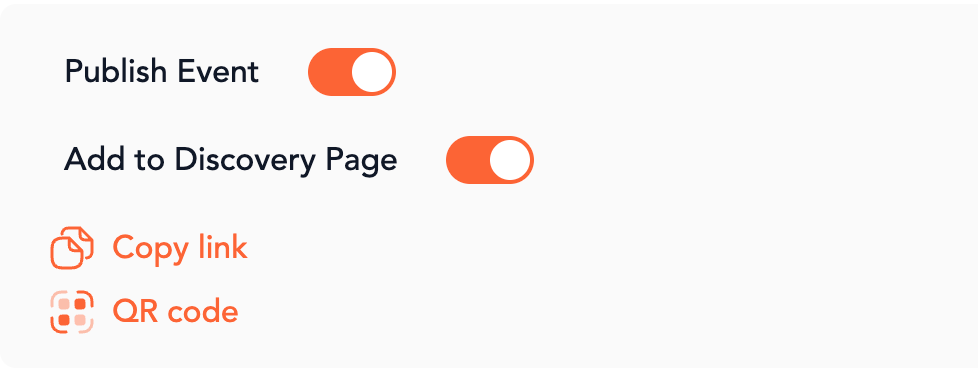
- Click on it to generate your QR code.
- You can download it as an SVG file or a PNG file.
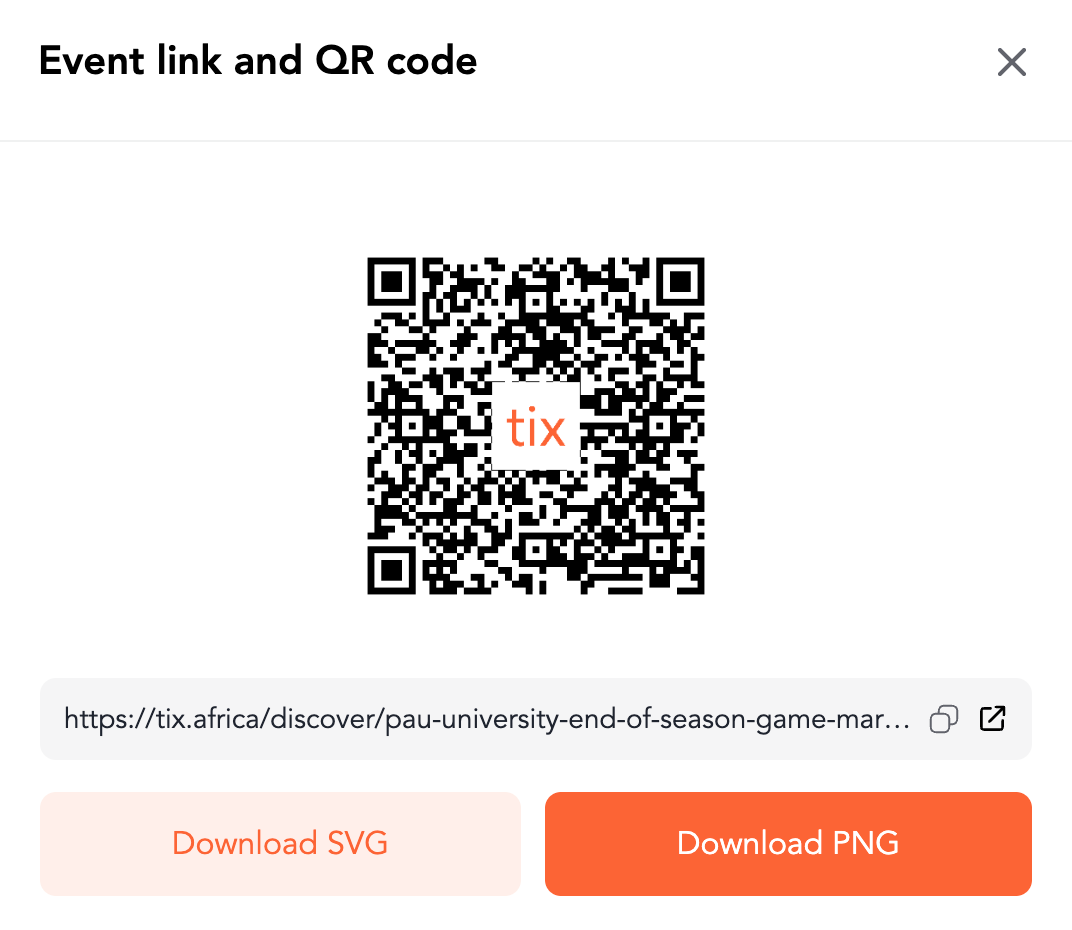
Here are a few ways to use your QR code
- Flyers and posters: Let your audience scan for event details and tickets.
- Merch: For recurring events, you can add your unique QR code to T-shirts, tote bags, badges, or other branded merch.
- Social media graphics: This gives people an easy way to find your event page by scanning with another phone.
- Venues and partner locations: Put your QR code where potential attendees can spot it & purchase tickets.
A Few Things to Keep in Mind Before Using Your QR Code
- Ensure the code is large enough to scan easily and has sufficient contrast against its background, particularly if you're adding it to a design or printing it on merchandise.
- In the case where you have a one-off event, please contact customer service to replicate your url at the next event.
- Test the code before publishing your graphics or sending anything to print, so you can confirm that it directs people to the correct event page.
- Finally, pair the QR code with a clear call to action, such as “Scan to get your tickets” or “Scan for event details,” so people know what to expect when they scan it.
Ready to get started? Create your next event on Tix Africa.