Your event, your colours: customise your Tix event page
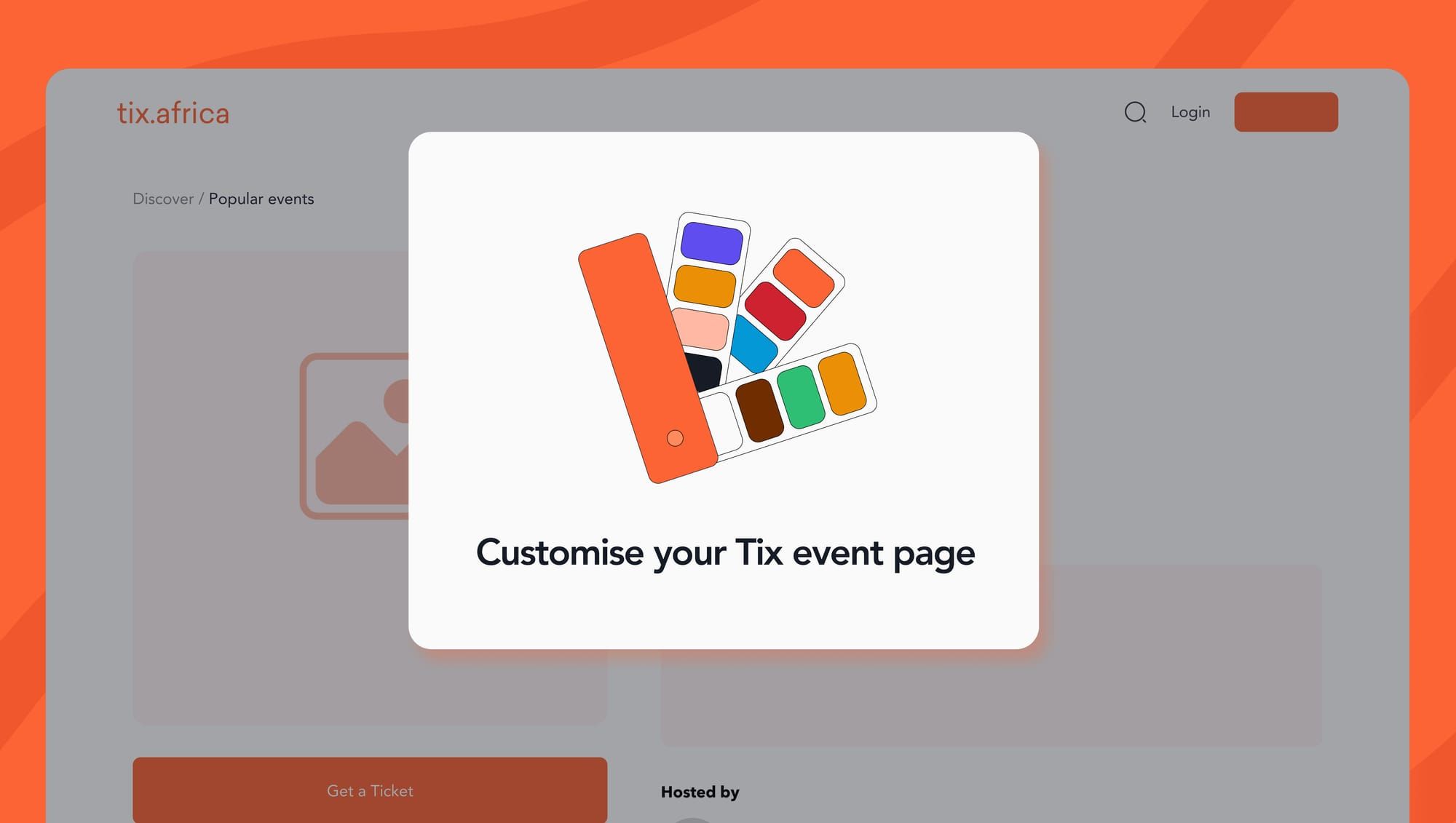
Your brand has its own colours. Now your event page can match them.
Everyone knows Tix orange when they see it. It’s bold, recognisable, and undeniably Tix. But we also know that every brand has its own personality, and your event page should reflect that.
Whether you’re hosting an intimate dinner, organising a fitness community event, planning a music festival, or bringing people together for a creative experience, the details matter. From your event graphics to your social media posts, every touchpoint contributes to how people experience your brand.
That’s why we've introduced customisable event page themes on Tix, giving organisers more flexibility to make their event pages feel like an extension of their brand.
And yes, you can now preview your event page before it goes live!
What's new: more ways to make your event page yours
This update gives you more creative freedom without adding more work to your plate.
With our new event page customisation feature, organisers can choose from seven colour themes to find the look that best suits their event or brand.
No code and no extra setup. Choose a colour, preview your page and you're ready to go live.
Your Tix event page can now complement the brand you’ve already built, helping you create a more consistent experience for your audience from discovery to ticket purchase.
Why customising your Tix event page matters
1. Keep your brand consistent across every channel
If you’ve spent time creating your brand identity, you know consistency matters.
Your audience might discover your event through an Instagram post, visit your website to learn more, and eventually land on your Tix event page to purchase a ticket. Ideally, each step should feel connected.
When your event page reflects your brand colours, it becomes easier to maintain that visual consistency across your digital channels.
2. Give every event its own personality
Not every event needs to look the same, and neither should every event page.
A wellness retreat might call for a different visual style from a nightlife experience. A food pop-up might have a completely different identity from a creative workshop.
With seven colour themes to choose from, you have more room to find a look that suits your event.
Think of it as another opportunity to communicate your event's personality.
3. Preview your event page before it goes live
We know that getting your event ready for the public involves a lot of moving parts. The last thing you need is to publish your page and then realise something doesn't look quite right.
That's why we've added the ability to preview your event page before it goes live.
You can check how your chosen theme looks and make sure you're happy with the overall presentation before sharing your event with the world.
It's a simple addition, but one that gives you more control over how your event shows up on Tix.
4. Enjoy more customisation without extra costs
More creative control shouldn't mean additional pricing.
Colour themes are available on every event, free or paid, at no extra cost.
That means you can create an event page that better reflects your brand without adding another expense to your event budget.
How to customise your Tix event page
Ready to give your event page a new look? It'll only take 2 minutes.
- Create your event: Set up your event on Tix as you normally would.
- Upload your flyer: Add your event flyer to give attendees a first look at what you have planned.
- Select your event page layout: Choose the layout that works best for your event.
- Pick your colour theme: Choose from seven colour themes to find the one that best fits your brand.
- Preview your page: See how your event page looks before it goes live and make sure everything looks right.
And you're all set! Your event page is ready to reflect your brand, with no coding or technical setup required.
Ready to make your event page yours? Create your event on Tix