Likes & Wishlist on Orbit: How to Save and Discover Events You Love
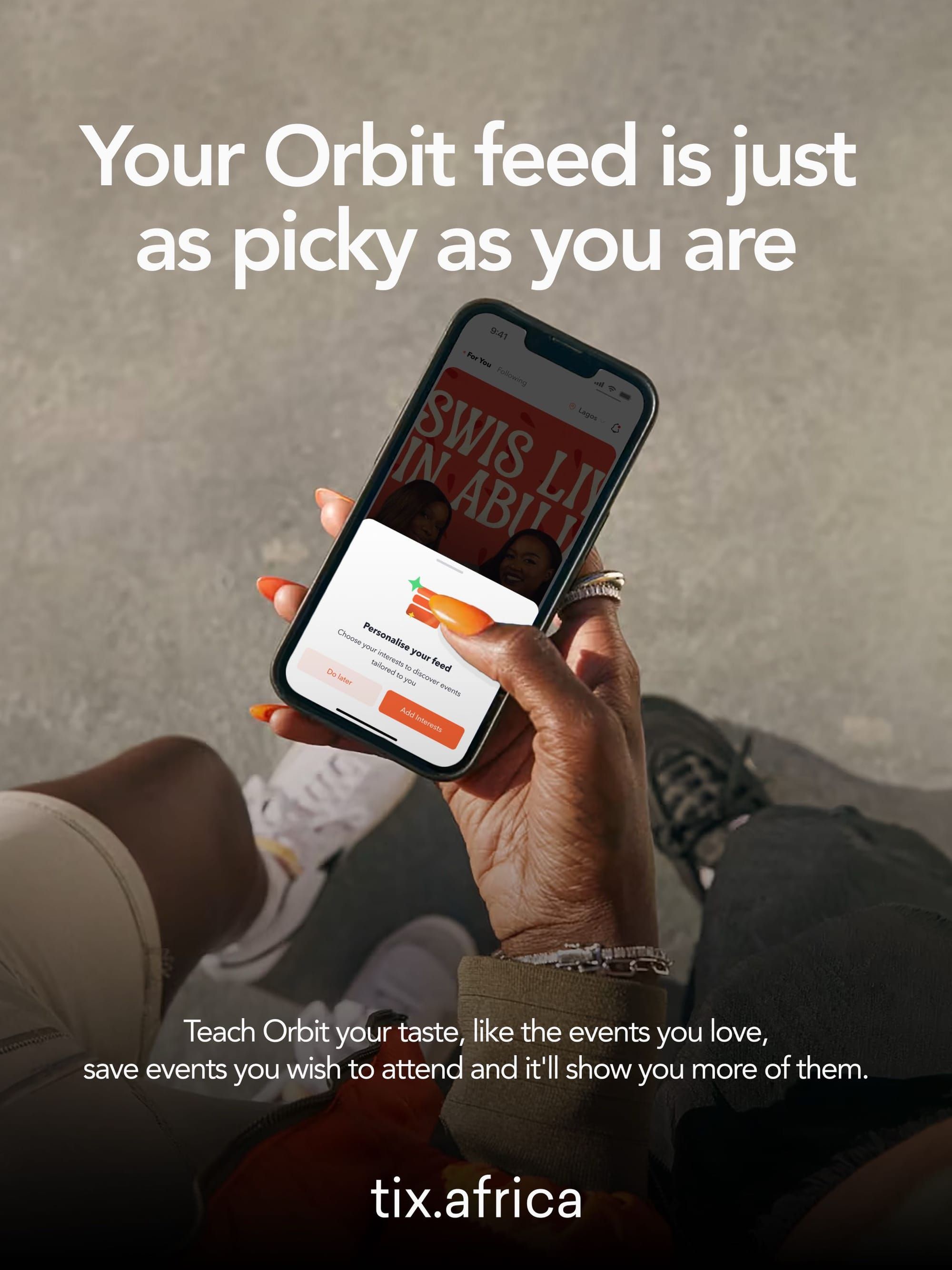
Have you ever seen an event on Orbit and thought, “Oh, I’d actually love to go for this”… then kept scrolling and completely forgot about it later?
You meant to come back to it, check the date, send it to your friends, or even buy a ticket when you were ready. But somewhere between seeing the event and making plans, it disappeared into the scroll.
That’s exactly what Likes and Wishlist are here to fix.
Whether an event catches your eye or you’re not quite ready to commit, you now have an easy way to keep track of the experiences you’re interested in.
What are Likes & Wishlist all about?
Likes are for the events that catch your attention.
Maybe the event centres your interests, the lineup has you intrigued, or maybe you’ve been following the organiser and want to see what they’re putting together next. Whatever the reason, tap the heart and show some love.
And your likes do more than sit on your profile; they also help event organisers see how much interest their event is getting.
Wishlist is for the events you’re not ready to buy just yet, but definitely don’t want to forget.
Maybe payday is still a few days away, or you need to check your calendar. Maybe you’re still convincing your friends to come along. Or you simply want to think about it before spending the money.
Whatever the reason, bookmark the event.
It’ll stay tucked away in your Wishlist on your Orbit profile, ready for when you’re finally ready to make plans.
How to use Likes and Wishlist on Tix
While you're scrolling on the Orbit app, and you see an event that catches your eye, Tap the heart to like it or the bookmark icon to add it to your Wishlist.
There is no need to take screenshots, or start rethinking “Wait, what was that event called again?”
So go ahead, like what catches your eye, save what you don’t want to forget, your next plan is definitely waiting for you on Orbit.