Need To Email Your Event Attendees? Here's How To Do It Using Tix
Managing an event means communicating with attendees at the right time. That could mean announcing a new speaker, extending ticket sales, sharing a venue change, or simply reminding everyone that doors open in a few hours and in this article, we show you a step by step guide on how to
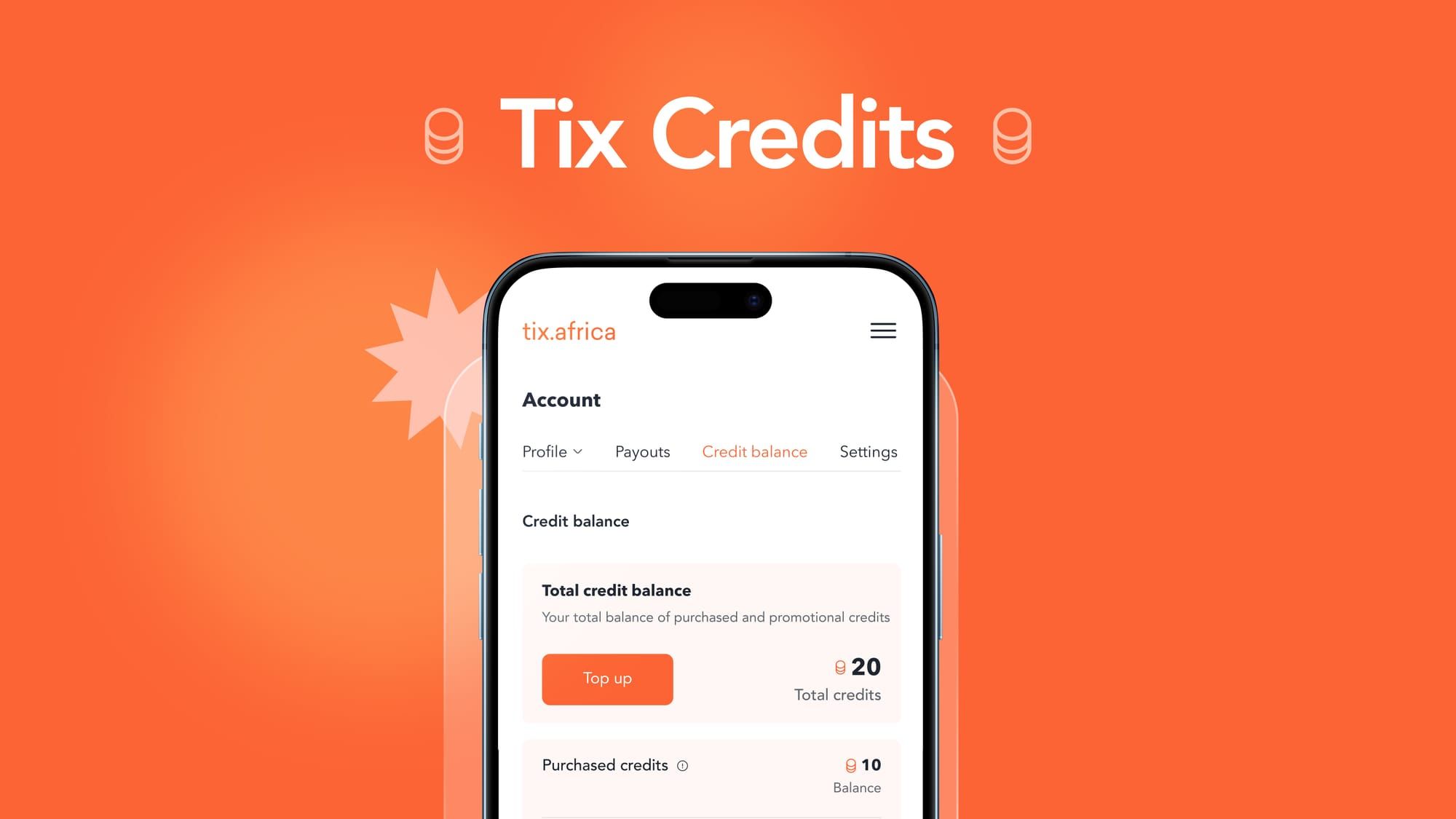
Managing an event means communicating with attendees at the right time. That could mean announcing a new speaker, extending ticket sales, sharing a venue change, or simply reminding everyone that doors open in a few hours. These updates matter, but sending them shouldn't require exporting attendee lists, paying for another email platform, or learning to use another marketing tool.
That's why we built Tix Credits, a simple way to email your attendees using the same platform you already use to list and sell tickets.
How Tix Credits Work
Every attendee who buys a ticket through Tix is already in your dashboard. By topping up your Tix Credits, you can email one attendee or your entire audience directly from your organizer dashboard, whenever you need to.
Whether you're sending a single announcement or multiple updates before event day, Tix Credits keeps everything in one place.
To get started, follow these steps:
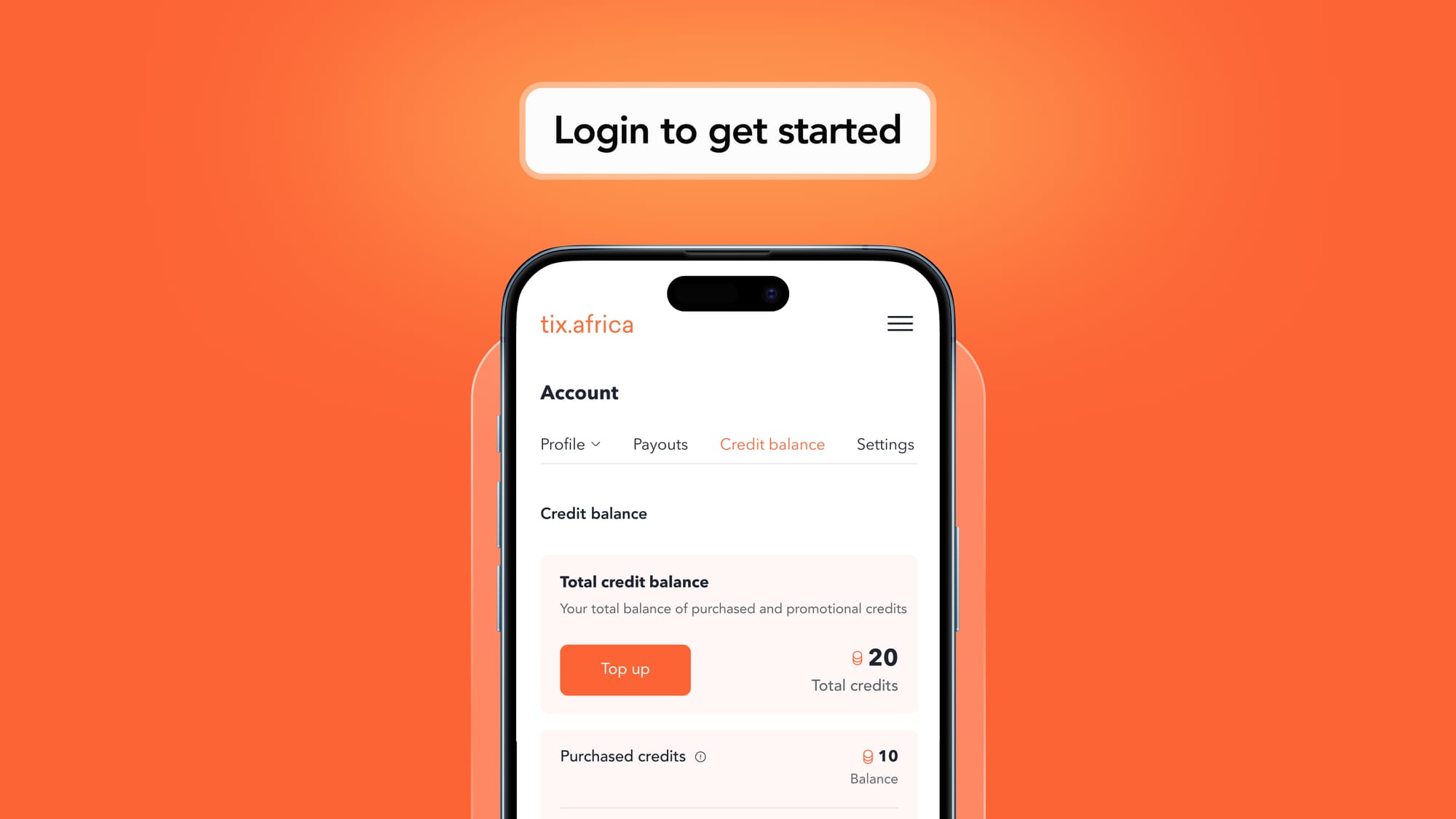
Step 1: Log in to your Tix account and navigate to Account.
Step 2: Click Top Up.
Step 3: Select the number of credits you'd like to purchase and click Continue.
1 credit = 1 email sent to 1 attendee.
For example, if you have 500 attendees and purchase 1,500 credits, you can send three emails to everyone on your attendee list.
That could be:
- An early reminder
- A lineup or schedule update
- A final "See you tomorrow" email
Step 4: Select the event you'd like to send an email announcement for.
Step 5: Navigate to Orders and click Email.
Step 6: Enter your email details. The number of credits required for the email will be displayed next to the Send button before you send it.
You decide when and how to use your credits.
All You Need to Know
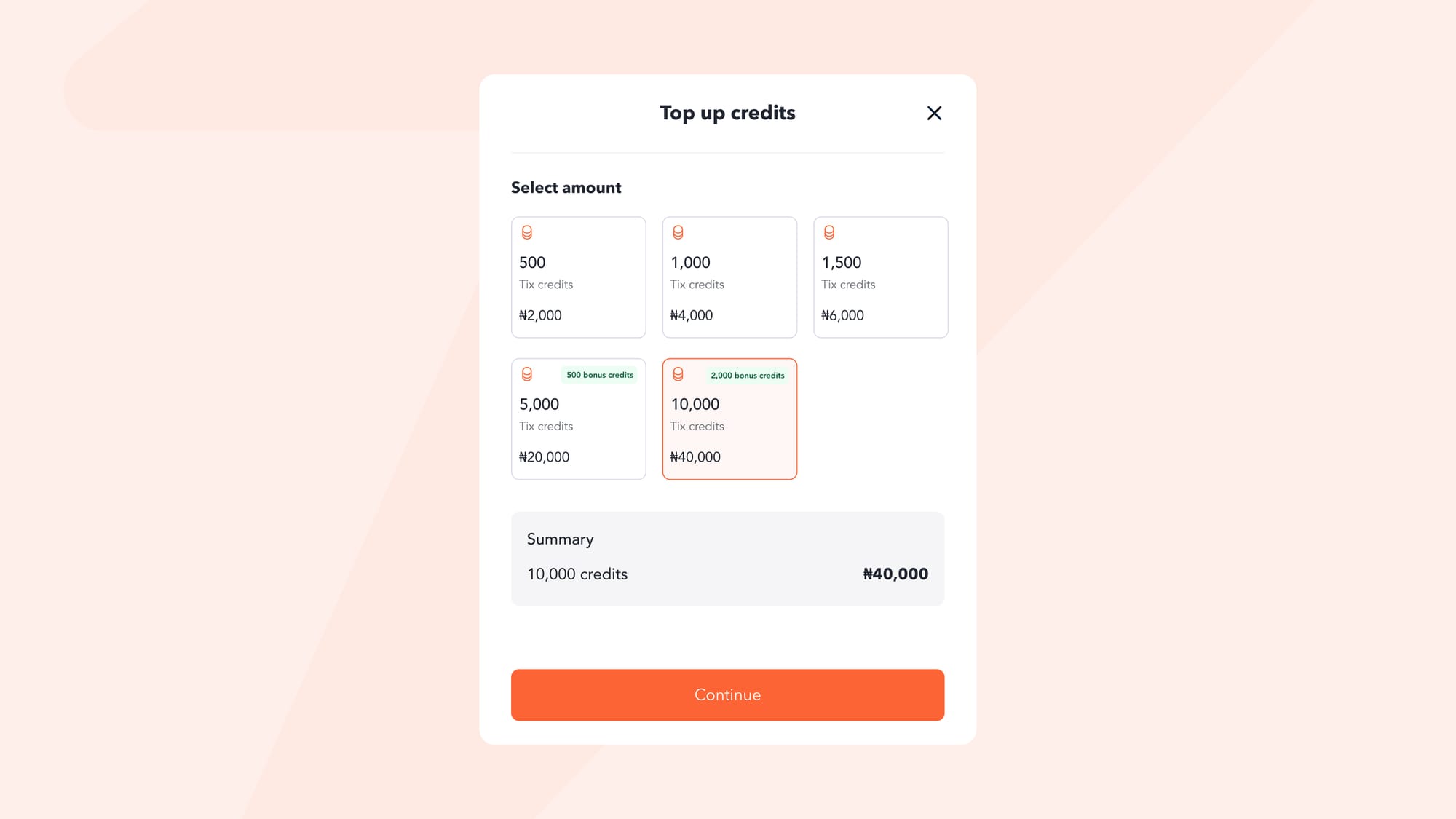
Topping up takes less than a minute, and once your credits are added, you can start emailing immediately.
Please note:
- Tix Credits cannot be withdrawn.
- Purchase 5,000 Tix Credits and receive an extra 500 credits.
- Purchase 10,000 Tix Credits and receive an extra 2,000 credits.
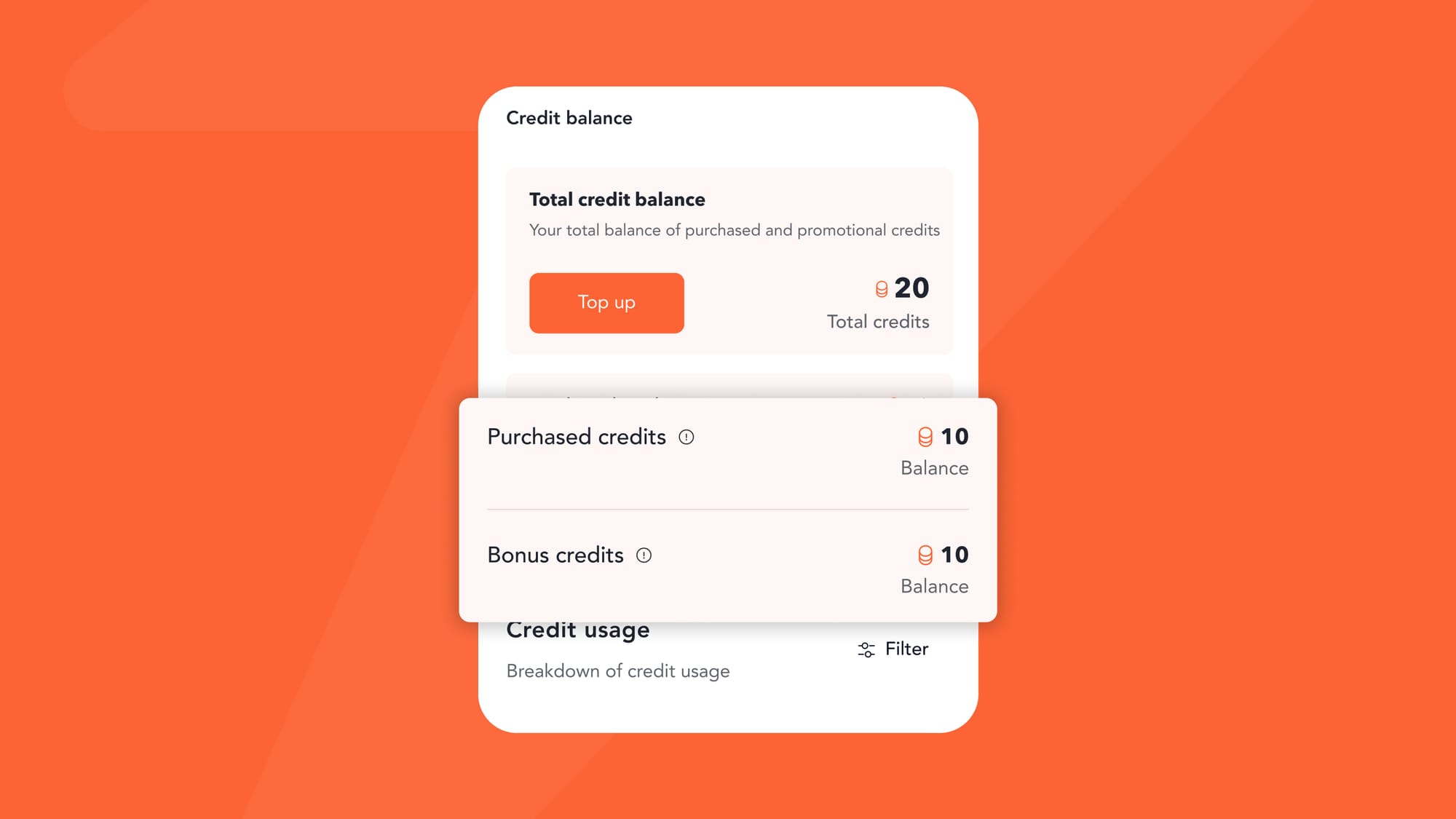
Whether you're hosting a community event, conference, or festival, Tix Credits makes it easy to keep your audience informed without leaving your Tix dashboard.
Start Here