Stop Guessing. Start Knowing Your Audience.
Discover how Tix's upgraded Custom Questions feature helps event organizers collect attendee locations, ages, and set event terms and conditions.
Every organizer has had this thought at least once.
"We should probably partner with a ride-hailing app."
It's usually followed by another thought.
"Wait… where is everyone even coming from?"
Exactly.
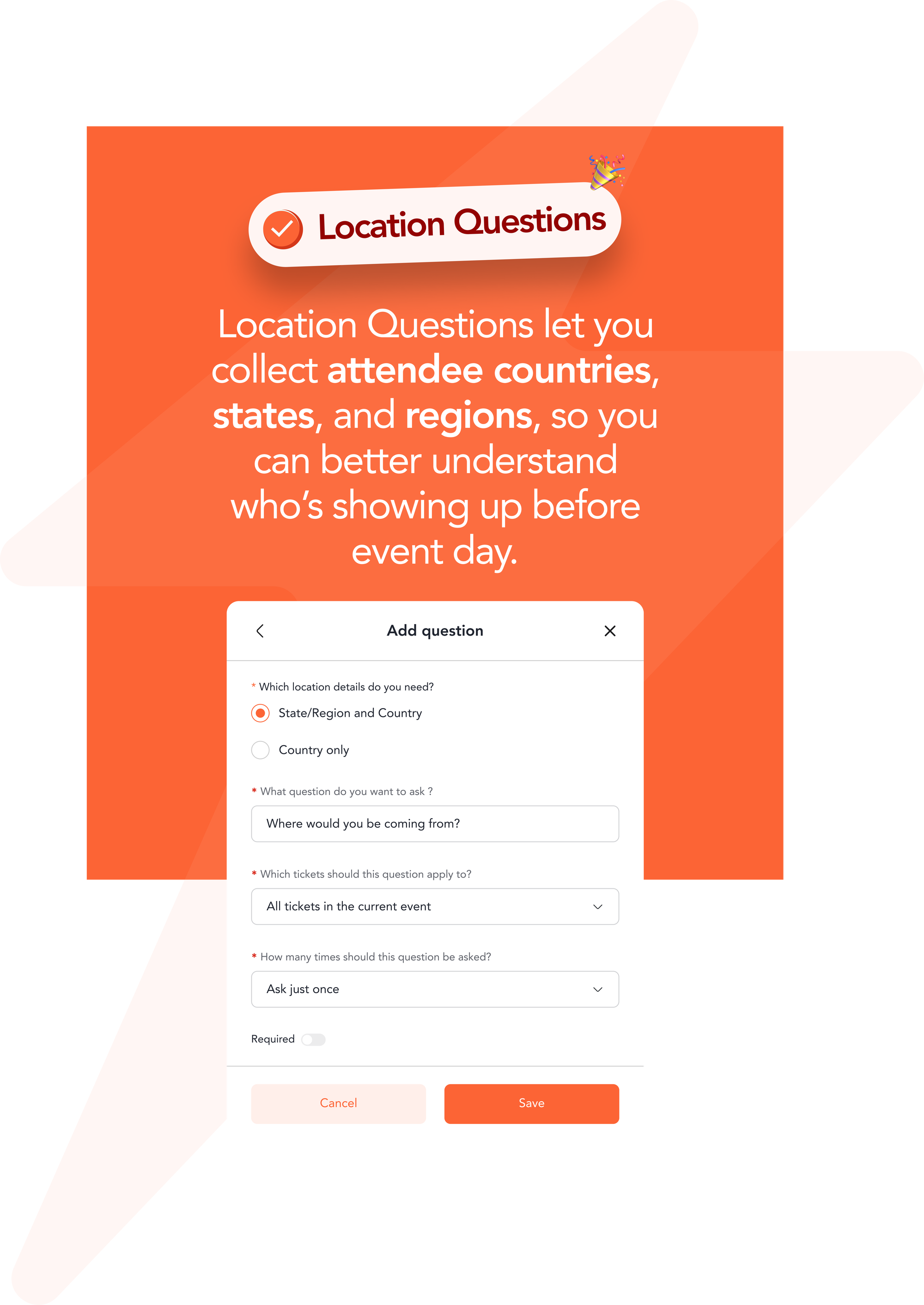
It's hard to negotiate transport discounts, organize shuttle buses, or recommend pickup points when your attendee list only tells you one thing:
Someone bought a ticket.
At Tix, we think you should know a little more than that.
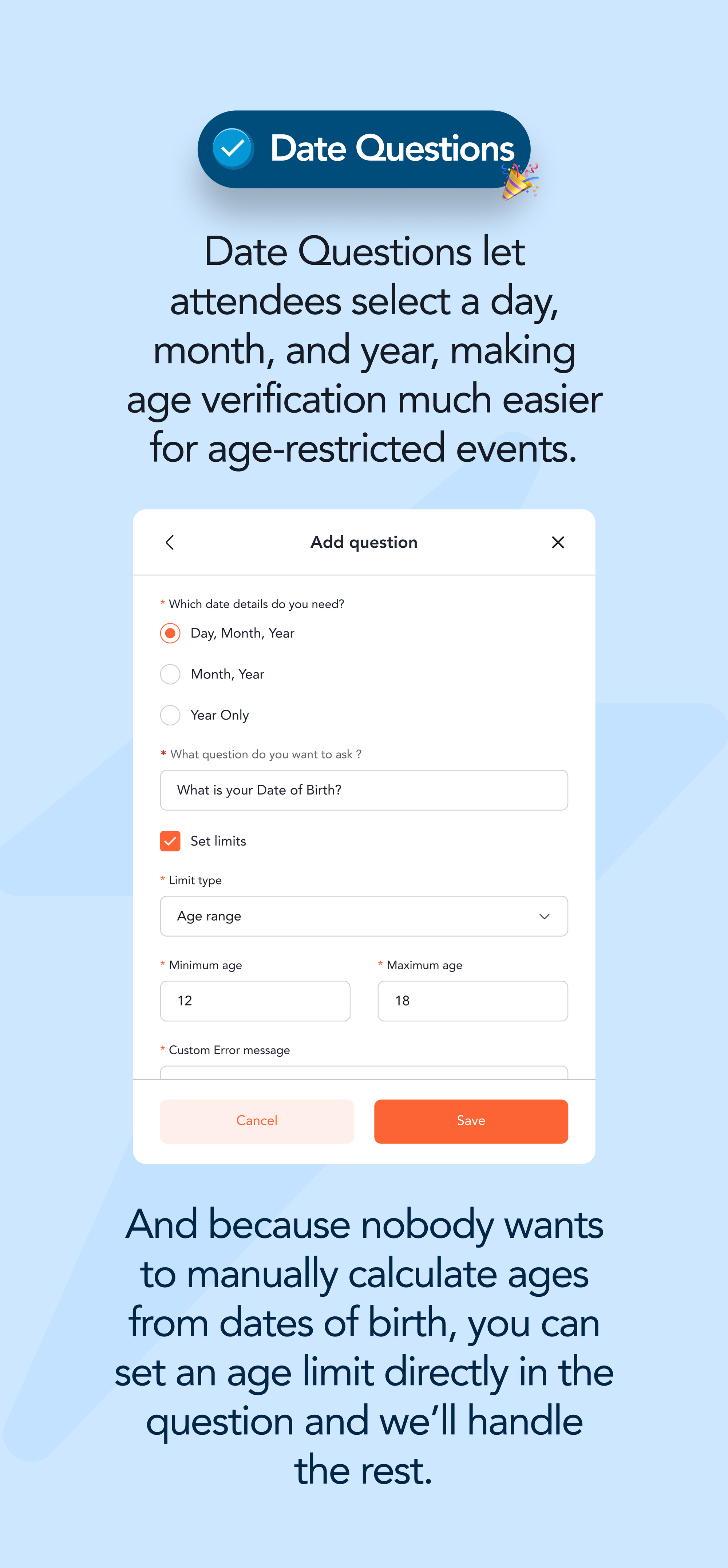
That's why we've upgraded Custom Questions, to help you collect the attendee data that turns good events into well-planned ones.
So, How Do You Get Started?
Easier than chasing attendees to fill out a Google Form.
Once you've created your event and tickets:
- Head to Tickets and select Custom Questions.
- Click Add Question.
- Choose the type of question you want to ask.
- Hit Save.
That's it.
Your questions will automatically appear during checkout, so attendees answer them while buying their tickets.

A few things to know:
- Need the same question for everyone? Apply it to all ticket types.
- Need different questions for VIPs and General Admission? You can do that too.
- Want attendees to type their own answer? Use Open Text.
- Prefer predefined options? Choose Multiple Choice.
- Need attendees to agree to your event rules? Add your Terms & Conditions and they'll have to accept them before checkout.
Because the only surprises you should have on event day are the good ones. 🧡